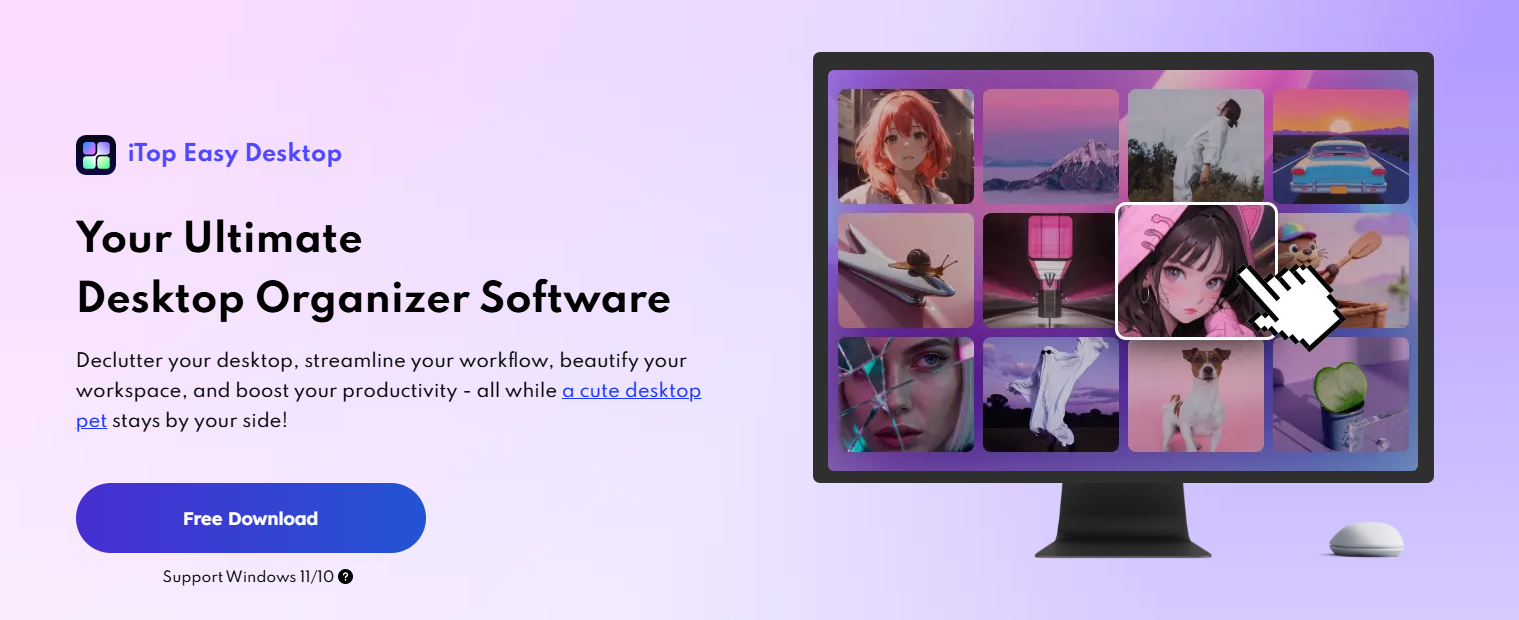
For the longest time, my desktop looked like a storage room that had never seen a cleaning day. Screenshots from months ago, random zip files, project folders, and half-finished notes were all piled on top of each other. It didn’t just look ugly; it made me feel stressed every time I opened my PC.
That changed when I installed iTop Easy Desktop, and slowly turned my cluttered screen into a visual treat that actually inspires me to work.
When I Realised My Desktop Was Killing My Focus
I used to joke that my messy desktop was just “organized laziness.” So, if I needed something, I’d try to remember where I left it. This worked until my downloads, folders, etc, all blended together, and I started wasting time searching for things.
What bothered me the most was how it looked. The plain wallpaper, standard icons, and messy piles of files made my PC feel old and boring. Instead, I wanted my desktop to feel personal, not like a messy folder I ignored. That’s when I started searching for a good desktop manager and came across iTop Easy Desktop.
What iTop Easy Desktop Actually Gave Me?
When I launched iTop Easy Desktop for the first time, it immediately felt different from simple “icon tidy” tools. It’s a full desktop manager for Windows 10 and 11 that combines Boxes for organization, wallpapers, personalization tools, an AI Assistant, Private Box, and practical widgets in one place.
Instead of just shoving icons into a grid, it lets me group files into custom homes, decorate the desktop with live or static wallpapers, and fine-tune my taskbar, start menu, and icon styles.
Wallpapers Turned the Background into a Canvas
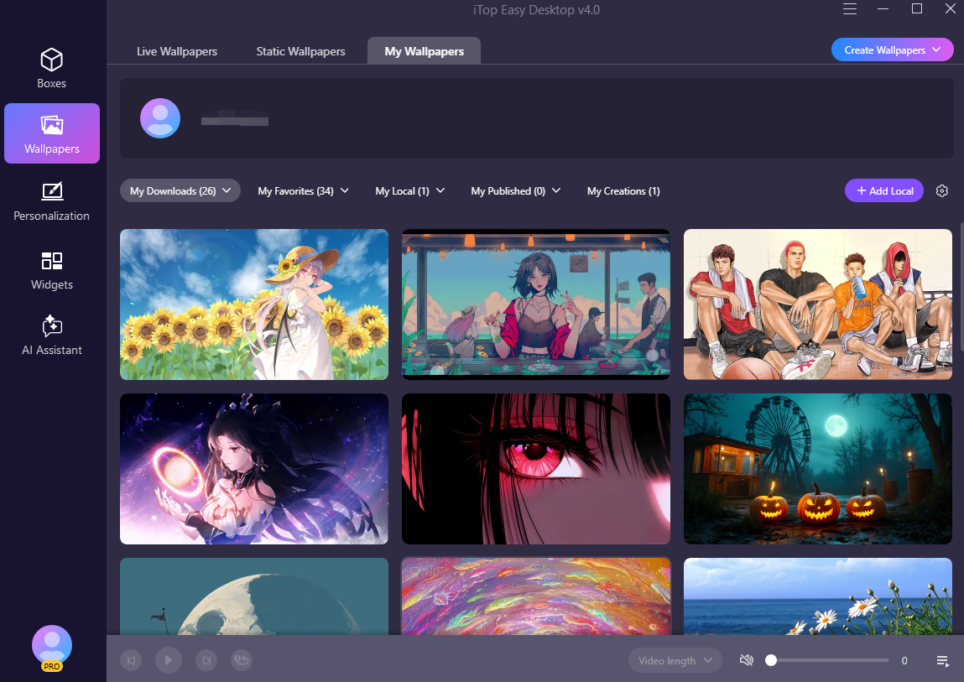
Cleaning the icons helped, but my desktop still looked boring until I explored the wallpaper features. iTop Easy Desktop comes with a huge library of live and static wallpapers, nature scenes, cityscapes, abstract art, cartoons, and more. Plus the option to add my own images or video wallpapers.
I started by decluttering the desktop with Quick Start. Then I browsed static wallpapers to pick a calm landscape for everyday work, and live wallpapers when I needed something more dynamic.
Now my desktop background changes with my mind, quiet mountains when I am focused, neon city lights when I am designing, and anime-style art when I want creative energy. It feels like my own little gallery that happens to sit behind my work.
Personalization: Matching The Whole Interface To My Aesthetic
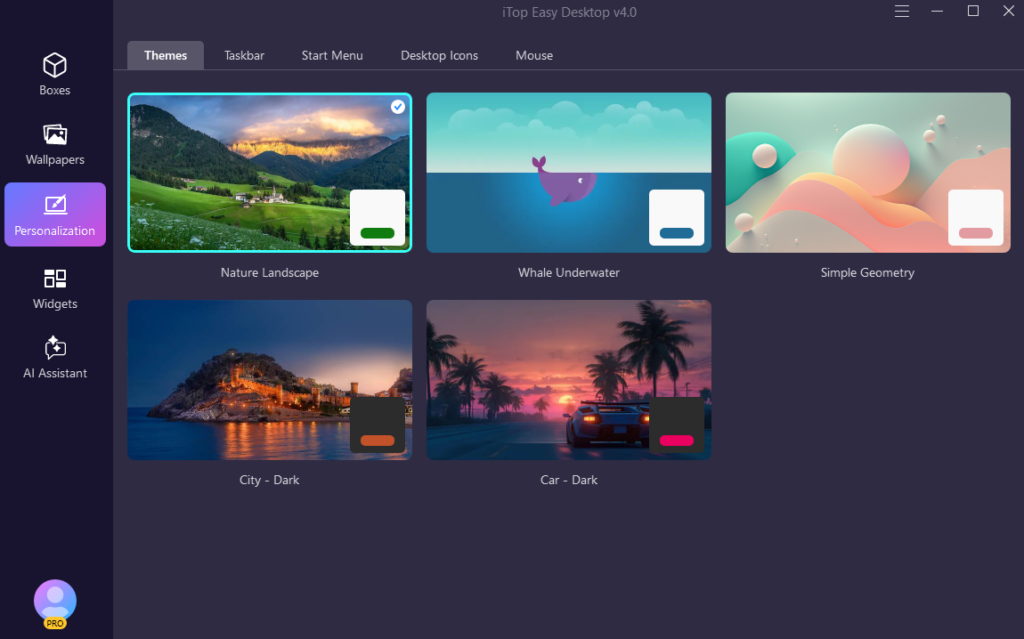
Once the wallpaper looked right, I noticed that the standard Windows taskbar, start menu, and icons clashed with the style I was building. iTop Easy Desktop’s Personalization section helped me fix that.
I customised the taskbar with transparent and accented styles so that it blended perfectly with the background. I further picked a start menu layout that kept my most important apps visible while hiding the cluttered app list behind a cleaner design.
Then I changed my desktop icons in one click, choosing between different icon packs and sizes so everything matched the colour palette of my wallpaper and Boxes. That small change made a huge difference—now when I look at my desktop, it feels designed, not accidentally thrown together.
AI Assistant and PawPal: Personality On Top of Productivity
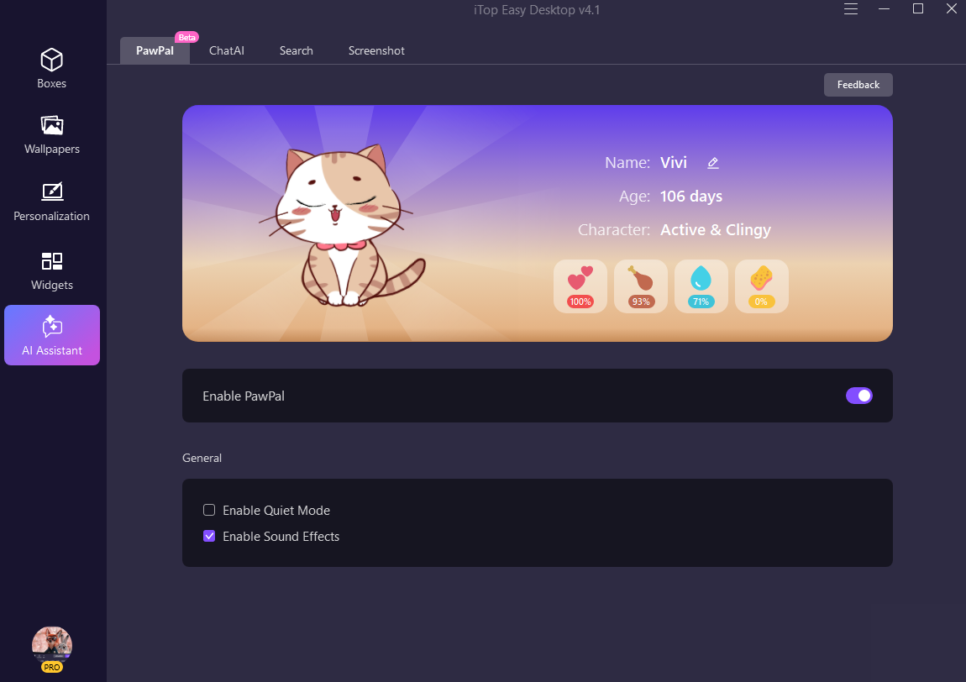
After I finished tweaking visuals, I started playing with the AI Assistant. iTop Easy Desktop includes tools like ChatAI, Search, Screenshot and a little AI companion called PawPal.
PawPal is a virtual cat that wanders across my desktop, reacts when I move or click, and occasionally reminds me about important stuff I’ve asked it to keep in mind. When I’m stuck, I open ChatAI to translate text, summarise long content or get help with tricky code right from the desktop, without opening a browser tab.
The upgraded Search bar can be dragged anywhere and opened with a hotkey, so I can jump to files or folders in seconds, even when I’m buried in full screen apps. Screenshot tools add save location prompts and one click access to the screenshot folder, which keeps my captures organised rather than scattered across the screen.
All of this sits neatly inside the same interface, so the desktop feels both stylish and capable.
Private Box and Widgets: Beauty With Peace of Mind
A visually pleasing desktop doesn’t help much if sensitive files are exposed, so I use Private Box for anything I don’t want others to casually see. I drop important documents and photos into that box, lock it with a password, and know that nobody can open or edit those files without my permission.
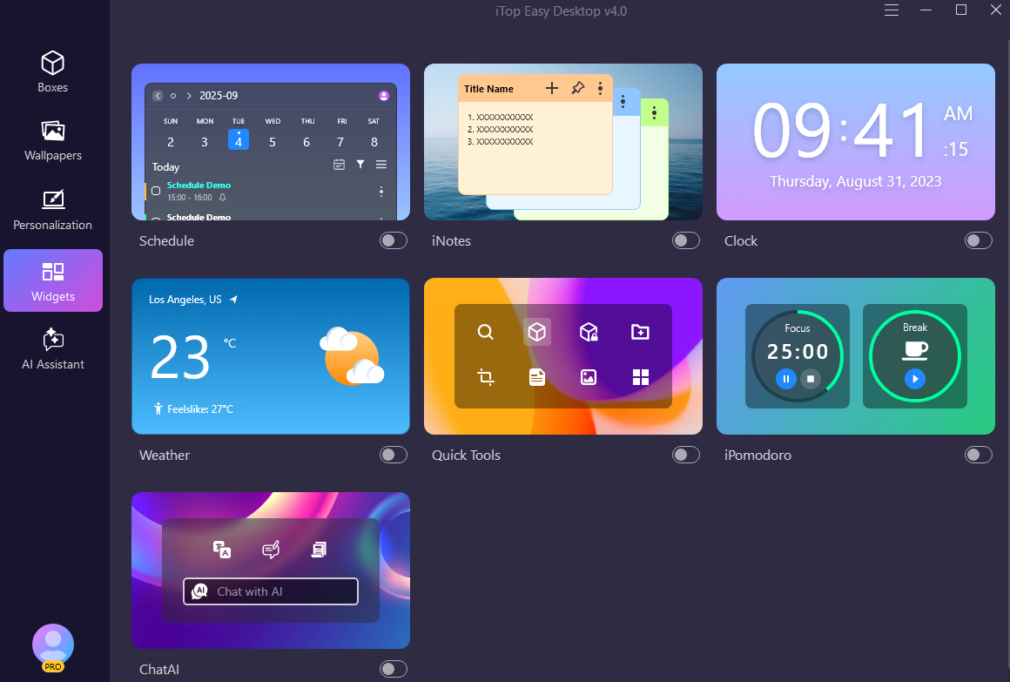
For day-to-day focus, I rely on widgets: iNotes for quick ideas, Schedule for upcoming tasks, Weather for planning, and iPomodoro when I need deep work sessions. They sit alongside my Boxes and wallpapers, adding subtle information and structure without ruining the clean look I have built.
How Does it Feel to Use my Desktop Now?
Today, when I unlock my PC, I don’t see an ugly wall of icons anymore. I see a curated wallpaper that fits my mood, neatly coloured Boxes holding my files, a taskbar and start menu that match the aesthetic, and a tiny PawPal wandering around like a mascot for my workspace.
I still use the same apps and documents, but this desktop organizer software makes everything feel so much easier. I can find files faster with rules and search. It is simpler to focus because I can hide icons with a double click. Widgets and reminders also make it feel more natural to keep up with my tasks.
Most importantly, I enjoy looking at my screen. With iTop Easy Desktop, I turned what used to be an eyesore into a visual treat that actually reflects who I am—and that makes every work session feel a little more intentional and a lot more inspiring.