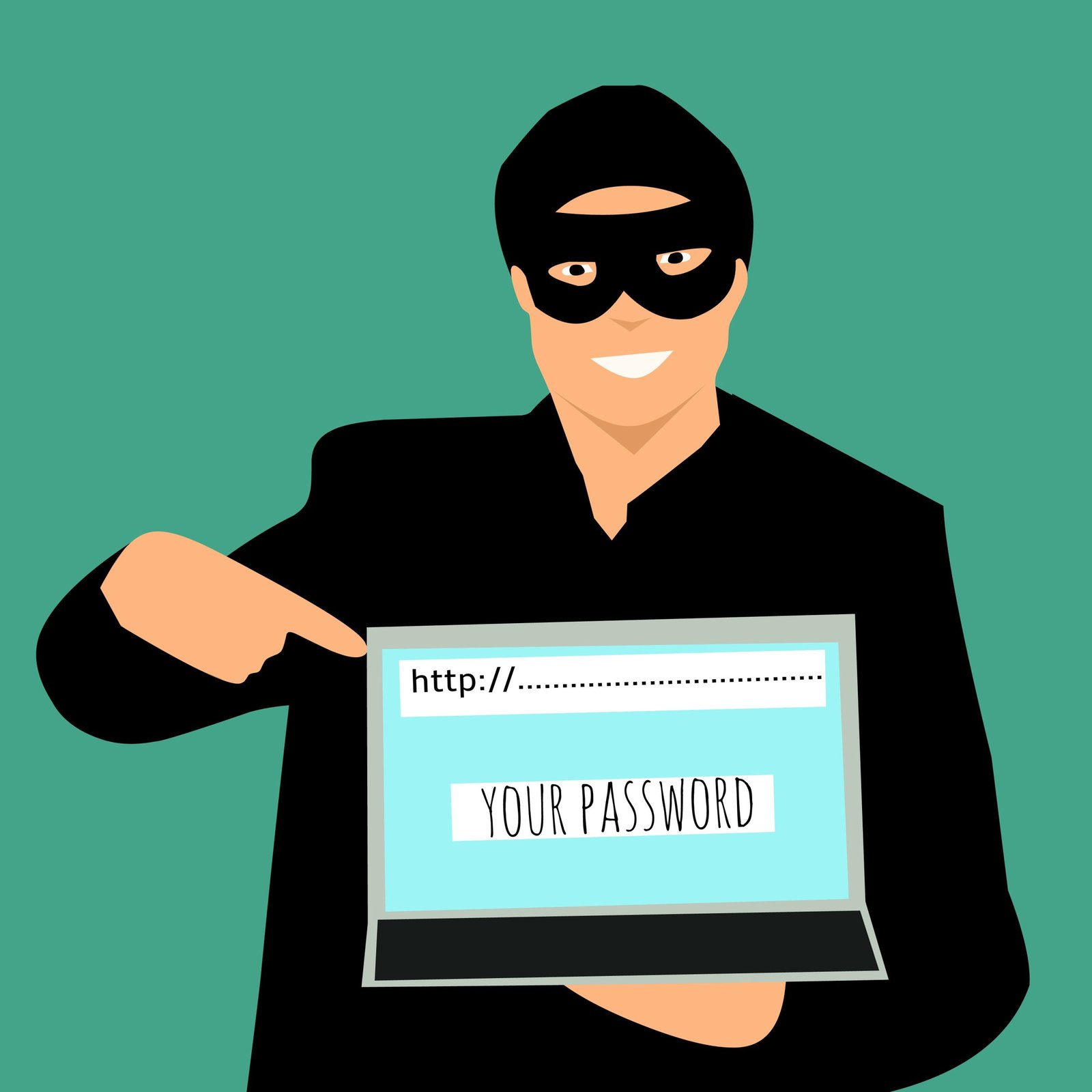
For decades, the password has been the weakest link in everyday security. We reuse them, forget them, write them down and hand them over to fake websites without realising. This year, the UK’s cyber security authority made one of its biggest shifts in advice in years: where a service supports it, use a passkey instead.
It matters because so many everyday accounts now hold something valuable. Banks, online shops, streaming services and casinos all store payment details and personal information, which makes their logins a target. Here’s what passkeys are, why they’re safer and how to start using them.
What the NCSC announced
At CYBERUK 2026 in Glasgow, the National Cyber Security Centre said it will recommend passkeys wherever a service supports them, and two-step verification where it does not. Its accompanying news release explained that a new technical report found passkeys to be at least as secure as, and generally more secure than, pairing even a strong password with two-step verification.
The NCSC also pointed to convenience. It said passkey logins can be completed up to eight times faster than signing in with a username, password and verification code. It named Google, eBay and PayPal among the services that have made passkeys easier to adopt, and said Google data shows the UK leading global adoption, with just over half of active Google users in the UK having one.
How passkeys work
A passkey replaces the password with a pair of cryptographic keys. One stays on your device and the other is stored by the service. When you sign in, your device proves it holds the right key, and you unlock it with your fingerprint, face or screen PIN. There is no password to type, so nothing to steal, guess or reuse.
The big advantage is phishing resistance. As the NCSC puts it, you can’t be tricked into handing a passkey to a criminal in the way you can with a password or a code sent by text. A fake website simply can’t use it.
Setting one up
Most people can get started in a couple of minutes:
- Open the security settings. Look in the account settings of a service that supports passkeys, usually under “security” or “sign-in options”.
- Choose “create a passkey”. The service will prompt you to confirm using your device’s biometrics or PIN.
- Check where it’s saved. Passkeys usually sync through your Apple, Google or Microsoft account, or through a password manager, so they work across your devices.
- Keep a backup route. Make sure you have a recovery method set up in case you lose your device.
- Repeat for important accounts. Start with email, banking and anything linked to payments.
If you’re unsure which services support them, the NCSC points people to the WhoSupportsPasskeys directory.
What if a service doesn’t support passkeys?
Not every site has caught up, and the NCSC’s advice for those is clear. Use a password manager to create a strong, unique password for each account, and switch on two-step verification. The NCSC describes this as one of the most effective ways to protect your accounts, because it keeps criminals out even if they know your password.
Common questions
- What if I lose my phone? Because passkeys can sync through your account or password manager, they can usually be recovered on a new device. Set up recovery options in advance.
- Are they only for phones? No. They work on laptops and tablets too, using whichever way you unlock the device.
- Is it all-or-nothing? No. You can use passkeys on the services that offer them and keep passwords with two-step verification elsewhere.
- Will I still see passwords? For a while, yes. Adoption is growing, but older services will take time to catch up.
The bigger picture
The shift matters because most online harm to individuals starts with stolen or compromised login details. Moving to a method that can’t be phished closes off a large part of that risk. The UK government is also rolling out passkeys for its own digital services, which should push adoption further.
The best approach is a simple one. Turn on passkeys where you can, use a password manager and two-step verification where you can’t, and start with the accounts that matter most. It takes a few minutes and makes a real difference.