What Is a Playable Game Made Online
Have you ever wanted to make a game but felt it was too complicated? Maybe you thought, “I don’t know programming, so I can’t do this.” Well, the good news is you can make a playable game online, even if you’ve never coded before.A playable online game is simply a game that anyone can play on the internet. It could run on a browser, a laptop, or even your phone. It doesn’t need fancy graphics or super advanced levels. What matters is that the game works smoothly and players can interact with it easily.
Think of it this way: a simple quiz game where you click answers or a puzzle game where you match shapes is already a playable game. The goal is not to create the next Fortnite at first. Start small. Even a tiny idea, when it works and is fun, is a full success.
Why No-Code Tools Are the Best for Beginners
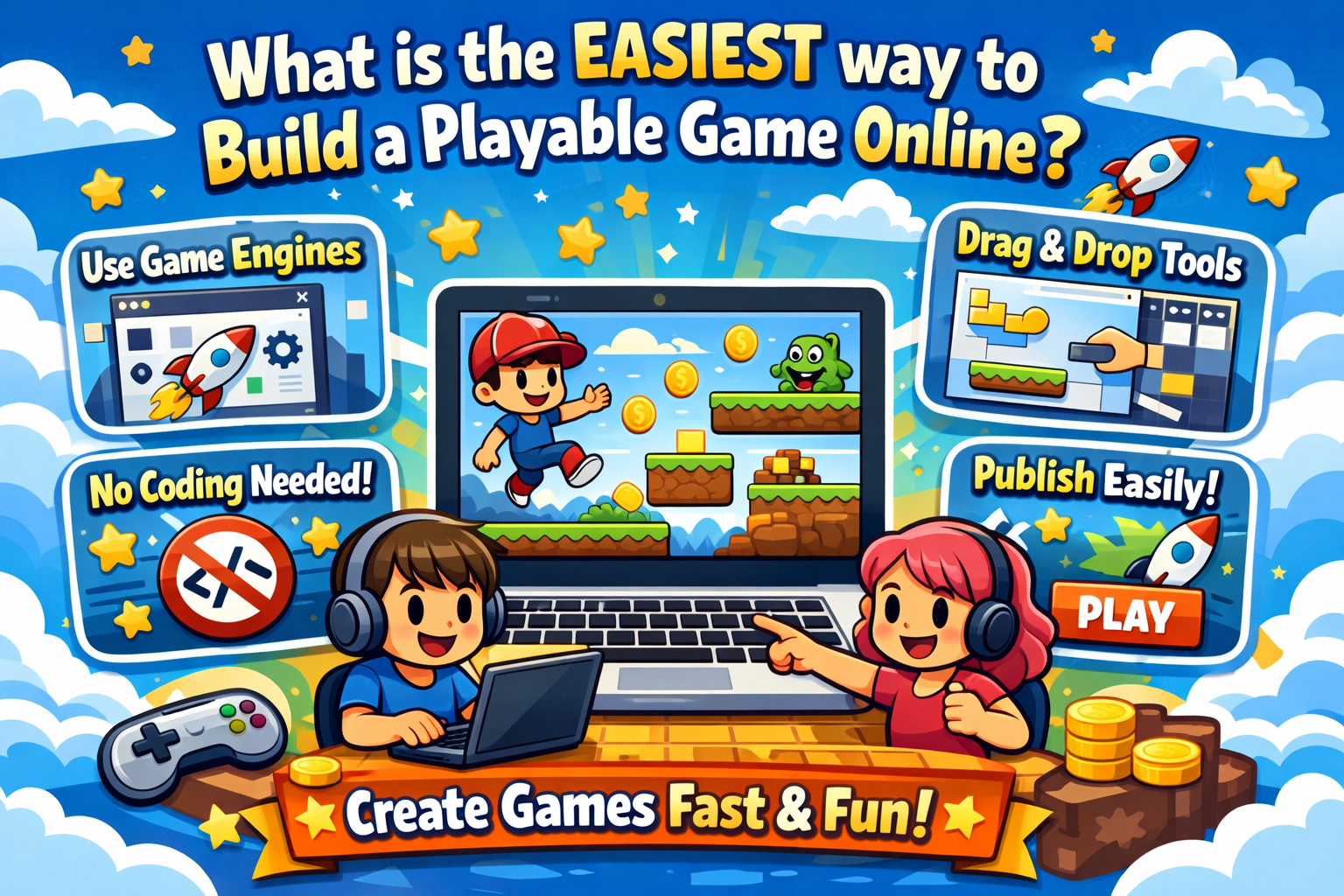
Learning programming can be like learning a new language all over again. Many beginners are eager to start but soon find themselves lost in a mess of confusing code. This is where no-code tools come to the rescue.No-code tools are like magic. Instead of writing code, you drag, click, and drop things to build your game. It’s easy and intuitive, and you get to see your game come to life right before your eyes.
Just think about creating a small platformer game. You add a character, some obstacles, and voila! You have a working game in a matter of hours. You don’t have to worry about bugs in your code. You just have to worry about the fun part: bringing your idea to life.
Easy Online Game Generating Platforms
There are many online social gaming platforms designed specifically for beginners who want to create games easily. The great thing? Most of them can be used in a web browser. You won’t need to download massive software that takes ages to install. Astrocade usually comes with templates for quizzes, puzzle games, or simple action games. These templates will serve as a guide you can modify them, change the characters, or change the levels.
For instance, let’s say you want to create a space-themed game. The template already comes with a spaceship and a background. All you need to do is change the spaceship to your character, change the colors, and add a few obstacles. And voila! You’ll have a playable game in just a few hours that you can show off to your friends. These online platforms also enable you to share your game online. You can share it with your friends right away or even share it with the world to play. The thrill of seeing your game live online for the first time? Priceless EzBux.
How Drag-and-Drop Game Builders Work
A drag-and-drop game builder is one of the simplest methods of creating games. You do not have to write any code. You can pick and choose objects such as characters, buttons, or backgrounds and drag them onto your game canvas.Next, you can alter their size, color, or properties with a few clicks of the mouse. You can make a character jump when a player presses a key or add points when an object is collected.
The great thing about this method is that you get to see your game come to life right before your eyes. New game developers are often thrilled to see their first functional character appear on the screen. It’s like playing with a virtual Lego set but the characters come to life.
Using Free Game Assets and Templates
It can be intimidating to make characters, backgrounds, and sound effects from scratch. This is why free game assets and templates are often available on many platforms.
Templates are pre-made games that you can customize. For instance, a template for a puzzle game already has game blocks and a scoring system. All you need to do is change the theme from candy blocks to farm animals or spaceships, and it’s your game.Free game assets are very helpful. Just think about how long it would take to draw all the characters by hand. It would take days! But with free game assets, you get to enjoy the best part of making a game: designing the game and creating interesting levels.
Without Coding, Creating Game Rules
All games have rules. The rules determine how players score points, win, and lose. Conventionally, rules require intricate programming, but no-code platforms simplify this process. For instance, you could create a rule in a maze game that says, “Show the win screen if the player reaches the exit.” For example, “If the player selects the correct response, add 10 points” in a quiz game. Instead of typing code, all of this is accomplished by clicking options and connecting actions. For beginners, this is fantastic. You don’t have to worry about testing your game to see what works, correct errors, and enhance gameplay. The outcome is a functional game in your hands, but it feels like solving a puzzle.
Putting Your Game to the Test and Sharing It Online
Testing is an important step. Imagine making a game and sharing it with friends, only to discover that it is not functioning properly. That would be disappointing. Testing ensures that your game is enjoyable and helps you identify errors. You can play your game right away in the “test mode” on most platforms. Check to see if everything works by playing it yourself or asking a friend to try. Until it feels right, change the rules, fix broken buttons, or adjust the speed.
Once everything runs smoothly, you can publish your game online and let others try it. For example, you can explore a live playable demo such as Brainrot Blaster to see how a finished browser game is presented and tested by real players. It is thrilling and satisfying to watch someone play and enjoy your creation. You will see that your small idea has grown into something tangible that other people can appreciate.
Common mistakes made by new game designers
When you create your first video game, you will be excited because this is a major milestone in your game design journey; however, most new designers make some common mistakes. One of the common mistakes new designers make when creating their first project is attempting to create a complex program. You should always start with simple projects while you develop your skills and experience with programming and game design. Simple projects allow you to learn the basics of programming and build your confidence.
Another common mistake new designers make is failing to conduct play-tests prior to launching their games. Minor bugs can ruin a player’s overall enjoyment of the game. Always conduct multiple rounds of play-testing to ensure all issues are identified and eliminated before the game goes live.
Additionally, most novice game designers do not think about the player’s experience while playing the game. Although you may think your game is great fun to play, the player may have a completely different opinion about your game. Always remember to provide players with clear and simple controls, give detailed instructions on how to play your game, and definitely make sure your game will provide enjoyment for the player.
Finally, new designers often attempt to model their game after existing video games. It is acceptable to take inspiration from others; however, you must add your own original concepts to develop your own ideas. Doing so will create a unique video game. Remember that each mistake is a takeaway from which you can develop your skills as a game designer, and you will become a better designer the more games you design.
FAQs
Is it really possible to create a playable game online as a beginner?
Yes! With the technology available today (Astrocade no code game maker platform), anyone can develop a game. You don’t have to be a programmer – just be curious and have some time to learn about the tools available to create your own games!
Do I need to know how to program to create a game?
No, you can create games completely without any code using drag-and-drop interfaces and simple visual rules. However, coding is optional.
How long will it take to create a simple game?
Depending on how large the game is, you can complete a small game within a few hours/days. Using templates to get started and utilizing free assets will greatly speed up the process.
Can I create a game on my mobile device?
Some platforms like Astrocade do support this; however, it is generally much easier to create a game on your computer or laptop, as this provides you with the most control and functionality when you are creating your games.
Are there any free no code game builders?
Yes, most of the no code game builders offer free plans which include basic features that you can use. You have the option to upgrade if you would like access to more advanced features.
Can I share my game with other people?
Yes, most of the game builders will provide you with a link that you can use to share your game with others online – your friends, family, and the general public can play your game immediately.
What type of games should beginners start with?
Beginner-friendly games to get started with are quiz games, puzzle games and simple action games. They can all be made relatively quickly and are a lot of fun to play.