Picture this: you’re in a coffee shop, racing against a deadline, when your laptop screen suddenly goes dark. Your HP laptop power adapter has given up, frayed and broken at the most inconvenient moment. If this sounds familiar, you’re not alone. The laptop power adapter HP users rely on daily is often taken for granted until it fails, leaving us scrambling for expensive replacements that seem to wear out just as quickly. The frustration of dealing with fragile cables and unreliable connections has become an all-too-common experience, draining both our wallets and patience. But what if there were proven strategies to dramatically extend your adapter’s lifespan? This article reveals the often-overlooked secrets to maximizing durability, from understanding what truly defines quality construction to mastering the care techniques that matter most. We’ll pay special attention to the durability of USB-C cable components and share targeted solutions for frequent travelers who demand reliability on the go. Let’s dive into the practical knowledge that will save you money and headaches.
Why Your HP Laptop Power Adapter Fails: The Core Issues
The most common culprit behind adapter failure isn’t the power brick itself—it’s the cable. Every time you bend, twist, or yank your charging cable, you’re gradually damaging the delicate copper wires inside. These internal conductors are surprisingly fragile, and repeated mechanical stress causes them to fray and eventually break, cutting off power flow entirely. The durability of USB-C cable components becomes especially critical here, as the newer USB-C standard involves more pins and connections that must remain intact for proper charging and data transfer.
Connection points represent the second major vulnerability. Where the cable meets the adapter brick and where it terminates at the USB-C connector, the internal wires experience the most concentrated stress. These junction areas lack the flexibility of the cable itself, creating natural weak spots where fractures develop. You’ll often notice fraying or exposed wires at these exact locations after months of use. The plastic housing around these connection points can crack under pressure, leaving the delicate internals exposed to further damage.
The adapter brick itself isn’t immune to failure either. When you stack papers on top of it, push it against a wall, or use your laptop on soft surfaces like beds, you’re blocking the ventilation slots that allow heat to escape. Overheating degrades the internal circuitry and capacitors, shortening the adapter’s functional life. Understanding these three failure modes—cable stress, connection point weakness, and inadequate cooling—is the first step toward preventing premature adapter death.
Decoding Build Quality: What Makes an Adapter Last
Build quality in power adapters isn’t about aesthetics—it’s about the engineering decisions that determine whether your charger survives six months or six years. At the heart of any adapter lies the internal wiring, where the gauge (thickness) of copper conductors directly impacts current-carrying capacity and resistance to breakage. Thicker gauge wires handle electrical loads more efficiently while withstanding repeated flexing without snapping. Quality adapters also incorporate proper electromagnetic shielding around these wires, preventing interference and protecting the delicate conductors from external damage.
The outer jacket material makes the difference between a cable that cracks after minimal use and one that remains supple through years of handling. Premium adapters use thermoplastic elastomer or high-grade PVC that resists both abrasion and temperature extremes, maintaining flexibility without becoming brittle. This protective layer must be thick enough to cushion the internal wires yet flexible enough to coil naturally without creating stress points. The connector heads themselves reveal quality through their construction—solid, precisely molded housings with tight seams indicate attention to detail, while loose-fitting or hollow-feeling connectors signal corners cut during manufacturing.
The reinforced cable represents the gold standard in adapter durability. Reinforcement typically takes two forms: braided nylon or aramid fiber sleeves that wrap the cable exterior, and enhanced strain relief at connection points. The braided outer layer distributes mechanical stress across a wider area, preventing localized damage when the cable bends or gets snagged. Strain relief boots—those thicker sections where cable meets connector—provide graduated flexibility that prevents the sharp bending angles responsible for most internal wire fractures. Together, these features transform a vulnerable cable into one capable of withstanding the punishment of daily use, making the reinforced cable design essential for anyone tired of replacing adapters every few months.
The Ultimate Guide for Frequent Travelers
Frequent travelers face a unique set of challenges when it comes to keeping their laptop power adapters functional. Your adapter doesn’t just sit safely on a desk—it gets crammed into overstuffed backpacks alongside sharp-edged devices, yanked hastily from airport outlet strips when boarding calls sound, and coiled hurriedly into tight loops that create damaging kinks. The constant movement between hotel rooms, coffee shops, airport lounges, and conference centers subjects your charging equipment to mechanical stress that stationary users never experience. Temperature fluctuations add another layer of punishment, as your adapter transitions from air-conditioned terminals to overheated car trunks, causing the plastic jacket to expand and contract repeatedly.
The consequences of adapter failure hit travelers particularly hard. Unlike home users who can quickly grab a spare or order a replacement for next-day delivery, you might find yourself in a foreign city with a dead laptop and no compatible charger available locally. The needs of frequent travelers demand more than just any replacement adapter—you require equipment engineered specifically to handle the punishment of life on the road while remaining compact enough to not consume precious luggage space.
Actionable Solutions for Travel-Ready Durability
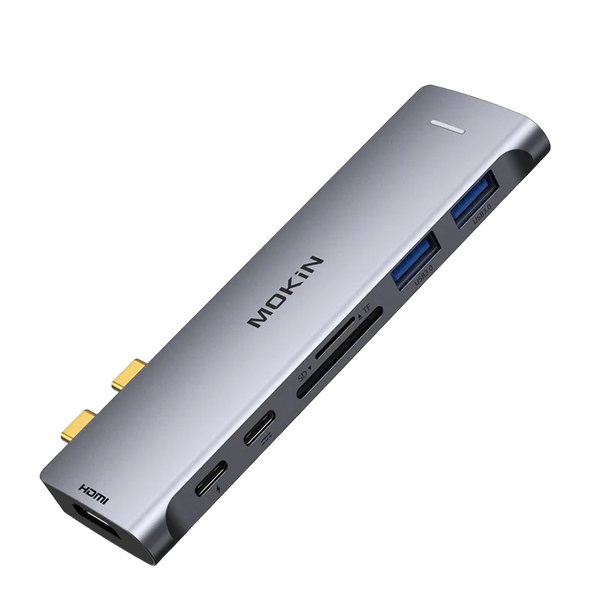
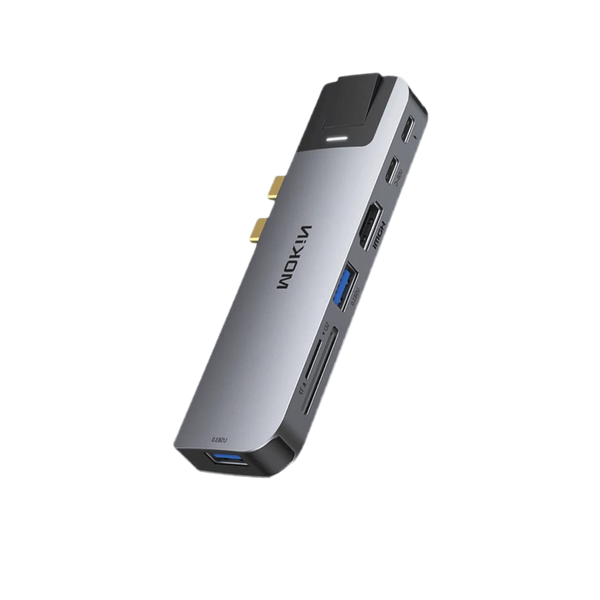
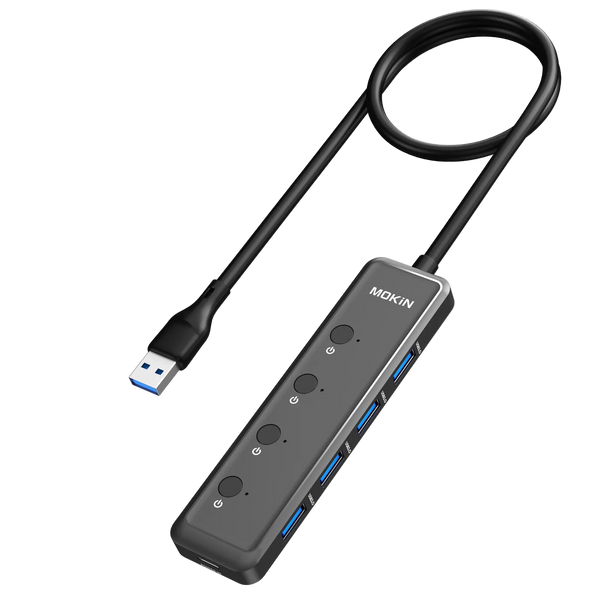
Building a travel-ready charging setup starts with selecting the right adapter design. Compact power bricks with foldable prongs eliminate the snagging hazards of fixed plugs while taking up minimal space in your bag. Dual-port adapters that can simultaneously charge your laptop and phone reduce the number of separate chargers you need to pack, simplifying your setup and reducing the total weight you carry. Look for models with detachable cables rather than permanently attached cords—this modular design means you can replace just the cable if it fails rather than discarding the entire adapter brick. Manufacturers like MOKiN have developed compact multi-port charging solutions that address these specific travel needs while incorporating reinforced cable designs.
The reinforced cable makes the single biggest difference in travel durability. Specifically seek cables with braided nylon or aramid fiber jackets that wrap the entire length—these woven exteriors distribute stress across the cable’s surface rather than concentrating it at single points. The connector ends deserve equal scrutiny; premium reinforced cables feature elongated strain relief boots that extend several inches from the connector head, creating a gradual transition zone that prevents the sharp bends responsible for internal wire breakage. Some manufacturers incorporate flexible metal spring guards at these critical junctions for additional protection. When evaluating cables, physically flex them near the connectors—quality reinforcement should allow smooth bending without creating tight kinks.
Proper coiling technique prevents the damage that careless storage inflicts. Never wrap your cable tightly around the adapter brick in overlapping loops, as this creates permanent memory bends that weaken the internal conductors. Instead, use the over-under coiling method: form each loop by alternating the direction of the twist, which prevents the cable from developing a natural curl. Keep the coil diameter generous—at least four inches across—to avoid sharp bends. Secure the coiled cable with a velcro strap rather than twisting a twist-tie tightly, which can create pressure points that damage the jacket.
A dedicated cable organizer or protective case shields your adapter from the chaos inside your bag. Hard-shell cases with molded interiors keep the adapter brick and cable safely separated from laptop corners, phone edges, and other items that can abrade or puncture the cable jacket. Soft pouches made from padded neoprene offer lighter-weight protection while preventing cables from tangling with other accessories. These organizers also speed up your packing routine—you can grab the entire charging setup as a single unit rather than hunting for loose components scattered through your luggage.
Establish a regular inspection routine to catch problems before they strand you without power. Every few trips, run your fingers slowly along the entire cable length, feeling for soft spots, unusual bumps, or areas where the jacket feels thinner than elsewhere—these indicate internal wire damage. Flex the cable gently at both connector ends while watching for exposed wire strands poking through cracks in the housing. Check the adapter brick’s ventilation slots for dust accumulation that impedes cooling. Test the connection by wiggling the plug gently while it’s charging—if the power cuts in and out with slight movement, the internal connections are failing and replacement is imminent. Catching these warning signs early lets you replace components on your schedule rather than facing an emergency purchase at inflated airport kiosk prices.
Maintenance Practices to Withstand Frequent Use
Even the most robust adapter won’t reach its full lifespan potential without proper handling during daily use. The way you connect and disconnect your charger matters more than you might think. Always grasp the connector head itself when unplugging—never yank the cable, which transfers all that pulling force directly to the internal wire connections. This single habit prevents the gradual loosening of solder joints inside the connector that eventually causes intermittent charging issues. Similarly, when plugging in, push firmly on the connector body rather than using the cable as a handle, ensuring the plug seats fully without stressing the cable junction.
Cable tension represents a silent killer of adapters. When your laptop sits on a desk with the charging cable stretched taut to reach a distant outlet, every slight movement of the computer tugs on the connection points. This constant low-level stress fatigues the internal wires far faster than occasional sharp bends. Always ensure your cable has visible slack—a gentle curve or loop between the outlet and your laptop absorbs movement without transmitting force to the vulnerable connector areas. If your usual workspace forces cable stretching, invest in an extension cord to eliminate this chronic stress.
Heat management extends beyond just the adapter brick’s internal components. When you drape clothing over your charging adapter, bury it under papers, or let it rest on heat-trapping surfaces like carpets and bedding, you’re forcing it to operate above its designed temperature range. The plastic housing itself can warp slightly from excessive heat, creating gaps that expose internal components to dust and moisture. Make it a habit to position your adapter on hard, flat surfaces with clear space around all ventilation slots. If the brick feels uncomfortably hot to touch during normal use, it’s overheating—relocate it immediately to a cooler spot with better airflow.
Regular cleaning prevents the gradual accumulation of debris that causes connection problems. Every few weeks, power down your laptop and inspect both the adapter’s output connector and your laptop’s charging port. Use compressed air to blow out any dust, lint, or debris lodged inside—these contaminants prevent proper electrical contact and can even cause short circuits. For the connector pins themselves, a dry cotton swab gently removes oxidation and grime. Never use liquids or insert metal objects into ports. Finally, when storing your adapter for extended periods, coil the cable loosely and keep the entire unit in a breathable fabric pouch rather than sealed plastic bags, which can trap moisture that corrodes internal components over time.
Maximizing Your Adapter Investment
The secret to a long-lasting HP laptop power adapter isn’t a single magic bullet—it’s the powerful combination of choosing quality construction and practicing consistent care. By understanding what defines superior build quality, particularly the reinforced cable design with braided jackets and enhanced strain relief, you can make informed purchasing decisions that eliminate the cycle of constant replacements. These engineering features work hand-in-hand with the maintenance practices we’ve covered: proper handling techniques, heat management, and regular inspections that catch problems before they become failures. For frequent travelers especially, investing in travel-specific adapters with modular designs, paired with protective storage solutions and disciplined coiling methods, transforms your charging setup from a liability into a reliable asset. Your laptop power adapter HP device depends on isn’t just another disposable accessory—it’s a critical tool that deserves the same attention you give your computer itself. When you view a durable, well-maintained adapter as an investment in uninterrupted productivity rather than a recurring expense, the time and money saved become immediately apparent. Apply these insights starting today, and you’ll never again face that sinking feeling of a dead laptop at the worst possible moment.